💡 Ideas & prompt tips
Plixely turns a description into a real die-cut sticker with Ideogram — one of the best print-quality AI generators. You don't need to be a "prompt engineer." Here's how to get great results, by style. Tap any example to load it on the homepage.
The simple prompt formula
Most great sticker prompts are just three things:
What is it? "a corgi puppy", "a coffee cup", "a rocket ship"
The look. "kawaii", "3D render", "flat vector", "watercolor", "70s retro"
Pose, colors, mood. "wearing sunglasses", "pastel colors", "neon flames"
You don't need to add "die-cut sticker, white border." Plixely adds the sticker treatment — clean outline, plain background, centered — automatically. Just describe the picture.
A few tips for crisp stickers
- One clear subject beats a busy scene — stickers are small.
- Name a style explicitly (cartoon, 3D, watercolor, vector, anime…).
- Call out colors or mood — "pastel", "vibrant", "moody neon".
- Plain backgrounds cut out best — try "on a plain background".
- For text, put the exact words in CAPS in quotes: "a badge that says STAY WILD".
Browse by style
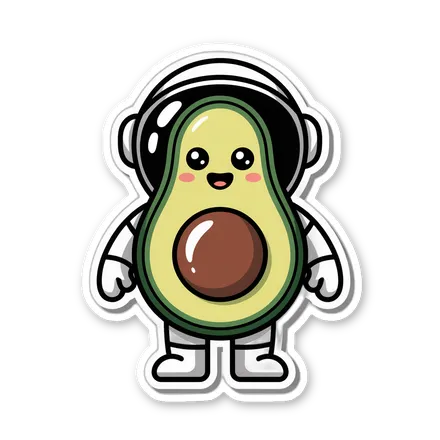
💡 Add kawaii, pastel, or cute and keep to one clear character.
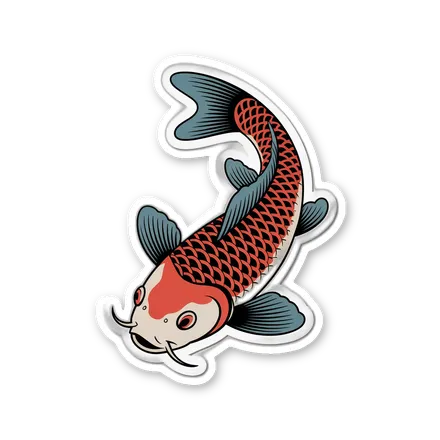
💡 Name the medium or movement — watercolor, woodblock, oil painting, art nouveau.
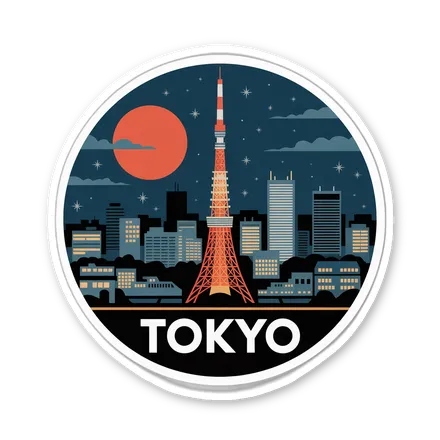
💡 Pair a landmark with a poster or illustration style.
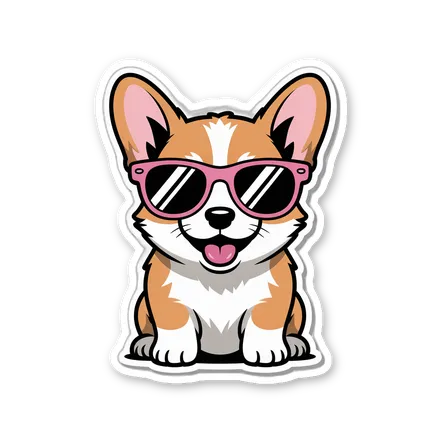
💡 Give the character one fun action or accessory.
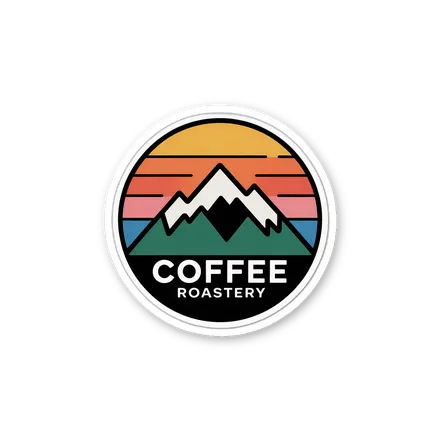
💡 Say minimalist, flat vector, or badge logo for crisp, printable marks.
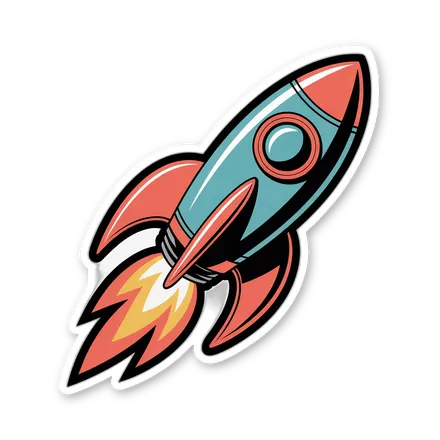
💡 Reference a decade (70s, 80s) or synthwave / vaporwave.
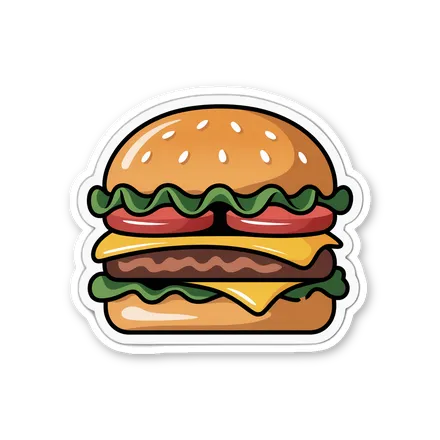
💡 3D render looks glossy; flat icon looks bold and clean.
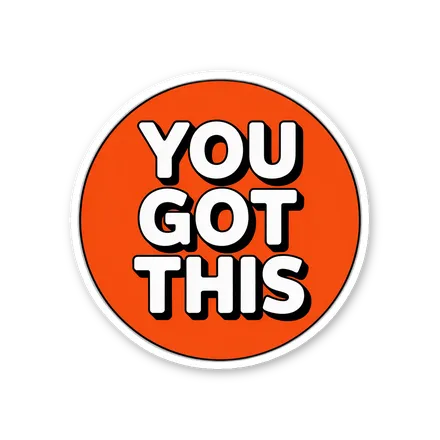
💡 Put the exact words in CAPS — Ideogram renders text well. Keep it short.
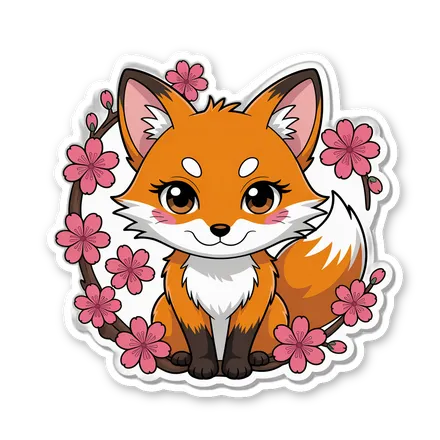
💡 Add anime, manga, or chibi and a vivid color cue.
📸 Or just print your photos — no prompt needed
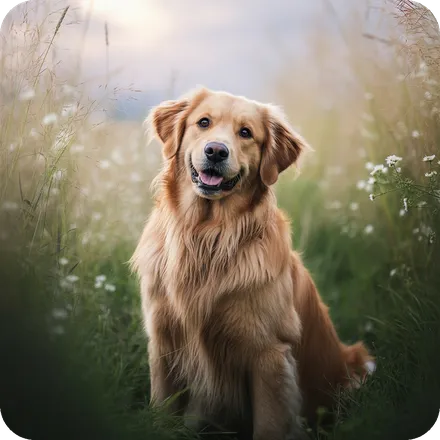
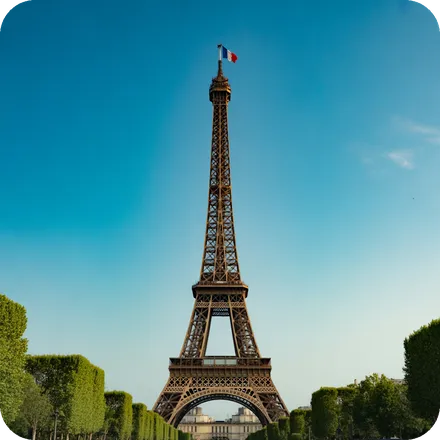
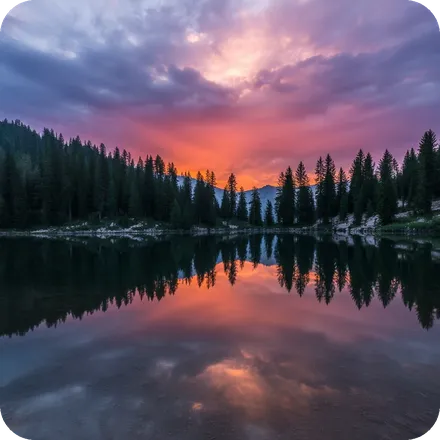
Already have the perfect shot? Upload a selfie, your dog, the family, a trip, a landscape — we turn any photo into a real die-cut or square sticker.
Stuck? Let an AI brainstorm for you
Ask Claude, ChatGPT, or your favorite AI to spin up ideas. Copy-paste this:
Then paste any line into Plixely and hit make.